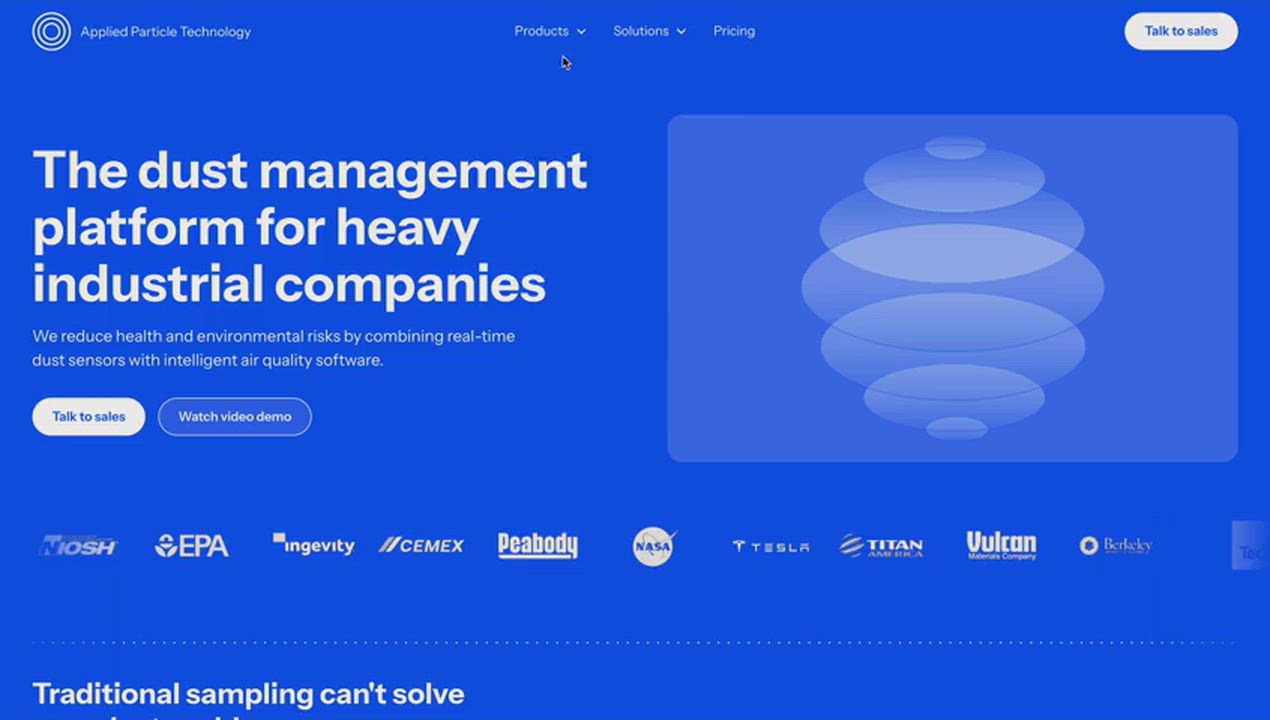
Migration to Webflow
Move to Webflow and keep what the site already ranks for
I move sites from WordPress, Framer and other platforms to Webflow. Content goes into a CMS your team can edit, every old URL is redirected to its new page, and titles, descriptions and structured data carry over, so rankings and backlinks survive the move.
- Quote
- Fixed, after a 15-minute call
- Partner
- Webflow Premium Partner
Who it’s for
- WordPress sites slowed down by plugins, page builders and updates
- Teams who need a developer for every content change
- Sites with a blog or resources that already bring in search traffic
What’s included
Everything the project needs, from one person
Content inventory
A crawl of the current site listing every page, post and asset, with traffic data used to decide what moves, merges or retires.
Redesign or like-for-like
Rebuild the current design faithfully, or use the move to fix layout and messaging. Both are scoped up front.
CMS import
Posts, authors, categories and images imported into Webflow CMS by CSV or the Webflow API, with rich text cleaned up.
301 redirects
Every old URL mapped to its closest new page, so links from other sites and search results keep working.
SEO carried over
Titles, descriptions, canonical URLs, alt text and structured data kept, with a new sitemap submitted at launch.
Launch monitoring
Search Console checked for crawl errors and broken links in the weeks after launch, and fixed as they appear.
Process
How it works
Audit
Crawl the current site, export analytics and list what each page earns in traffic and links.
Plan
Agree the new structure, the redirect map and which content needs rewriting.
Build and import
Build the Webflow site, import the content and check it page by page on staging.
Launch
Switch DNS at a quiet time, apply redirects, submit the sitemap and test the top pages live.
Monitor
Watch Search Console and analytics, and fix any broken links or missing redirects.
Selected work
All projects
“They’re not just punctual; they’re ahead of the game, meeting deadlines with ease. The website now exists within Webflow and can be accessed and edited by our team.”
FAQ
Questions buyers ask
Will moving to Webflow hurt our SEO?
Not if it’s planned. Rankings drop after a move when URLs change without redirects or when content and metadata get lost. Redirecting every old URL with a 301 and carrying over titles, descriptions and structured data keeps what the old site earned.
Can you migrate a WordPress blog with hundreds of posts?
Yes. Posts are exported from WordPress and imported into a Webflow CMS collection by CSV or the Webflow API, along with authors, categories and featured images. Check Webflow’s CMS item limits for your plan first; very large archives may need a higher plan or some pruning.
What can’t Webflow do that WordPress can?
Webflow has no plugin ecosystem on the scale of WordPress, so complex membership areas, forums or heavy ecommerce may need a third-party tool or a different platform. For marketing sites, blogs and case-study libraries, Webflow covers what most teams need.
Do we keep our domain and email?
Yes. Only the website’s DNS records change to point at Webflow hosting. Email stays as it is, and the domain stays registered wherever it is now.
Further reading
- Webflow vs WordPress for a marketing websiteAn honest comparison from someone who builds in Webflow every day. When Webflow is the better choice, when WordPress still wins, and what each costs to run.
- What I learned porting this site from Webflow to AstroI rebuilt my portfolio in Astro with the same design. The page got about seventy times lighter, and most of the fixes work just as well in Webflow.
Other services
- Webflow design & developmentNew Webflow sites and redesigns, designed from scratch or built from your Figma files, with the CMS, integrations and interactions handled properly.
- Ongoing Webflow developmentA Webflow developer on call after launch: new pages and sections, CMS changes, integrations, interactions and performance work, handled carefully.
- Speed, SEO & AI search auditA hands-on audit of your site’s speed, accessibility, SEO and visibility in AI search, with a prioritised fix list, or the fixes done for you.
Got a design, or a site that needs work?
Book a 15-minute call. Tell me what you’re planning and you’ll get an honest view on scope and timeline, then a fixed quote.